Skip to content
Tacky Light Tour – Home of the Best Christmas Lights in the World
  • Home
  • Sign In
  • New Account
  • Add Display
  • Awards
  • Build a Map
  • Shop

Videos

923 videos shared by visitors and decorators. Browse photos →
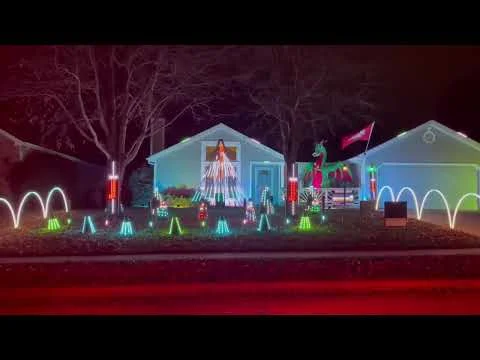
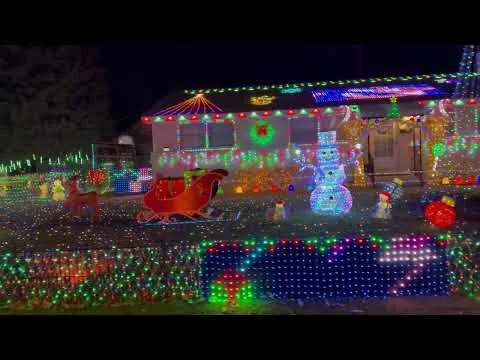
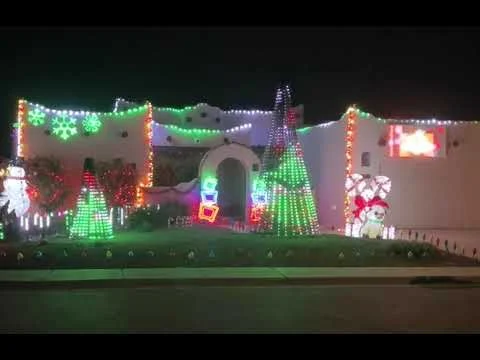
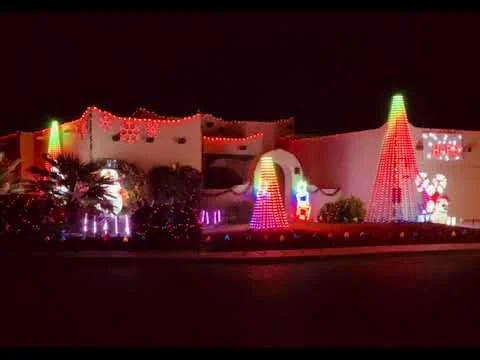
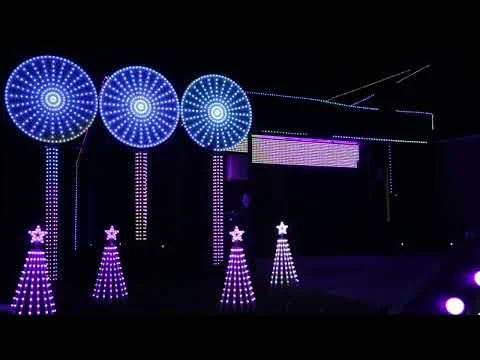
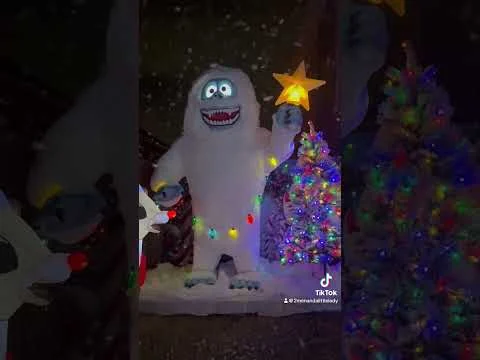
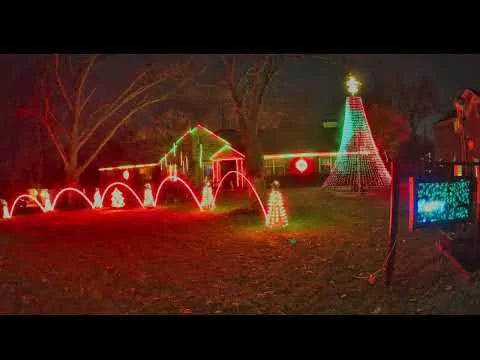
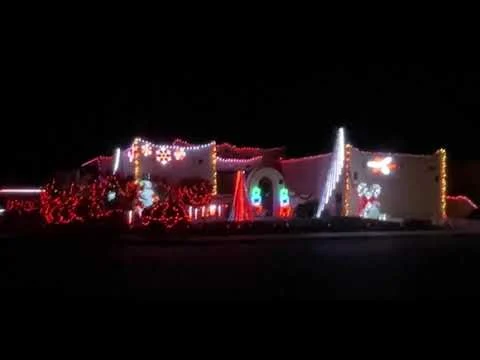
▶ Video of Lights on Andover Street Lights on Andover Street · Lawrence, Kansas ▶ Video of Warnick Family Holiday Lights Warnick Family Holiday Lights · Newport News, Virginia ▶ Video of Family Christmas Show Family Christmas Show · Las Cruces, New Mexico ▶ Video of Family Christmas Show Family Christmas Show · Las Cruces, New Mexico ▶ Video of Family Christmas Show Family Christmas Show · Las Cruces, New Mexico ▶ Video of Pressel Family Lights Pressel Family Lights · Miamisburg, OH ▶ Pressel Family Lights 2026 Pressel Family Lights · Miamisburg, OH ▶ Metallica · Master Of Puppets Lights On Nagel · West Chicago, Illinois ▶ Video of Wonderland on Windom Way Wonderland on Windom Way · Georgetown, Texas ▶ Video of 97th and Lee Blvd. Christmas Lighting Fun Show 97th and Lee Blvd. Christmas Lighting Fun Show · Leawood, KS
← PreviousPrevPage 1 of 9312…93Next →
Advertisement
Advertisement
Tacky Light Tour – Home of the Best Christmas Lights in the World The Best Christmas Light Displays in the World.
8735 Dunwoody Place Ste R
Atlanta, Georgia 30350
United States
Find lights Newest displays Most popular Displays that give By state Games Get the app
Browse by Feature Technology Awards Photos Videos
Decorators Add your display Build a map Shop Support Sign in
Search
© 2005–2026 Christmas Lights Near Me, LLC. · Privacy Policy · Terms Your Privacy Choices

We’ll ask for your location once. Nothing is saved.

Closest display

Directions See all nearby

, , or search by ZIP.

No displays within 30 miles of you yet. Try a ZIP code nearby:

Turn on location for this site

iPhone or iPad: Safari
  1. Open Settings > Privacy & Security > Location Services and turn it on.
  2. In that list, tap Safari Websites and choose While Using the App.
  3. Back here, tap aA in the address bar > Website Settings > Location > Allow.
Chrome
  1. Tap the icon left of the web address, then Permissions (or Site settings).
  2. Set Location to Allow.
  3. On iPhone, also allow it in Settings > Chrome > Location.
Brave
  1. Tap the icon left of the web address, then Site settings.
  2. Set Location to Allow.
  3. On iPhone, also allow it in Settings > Brave > Location.

Then come back and tap try again.

Tacky Light Tour appThe map, tonight's lit displays, directions. Free on Google Play.
Get the app