Skip to content
Tacky Light Tour – Home of the Best Christmas Lights in the World
  • Home
  • Sign In
  • New Account
  • Add Display
  • Awards
  • Build a Map
  • Shop

Videos

918 videos shared by visitors and decorators. Browse photos →
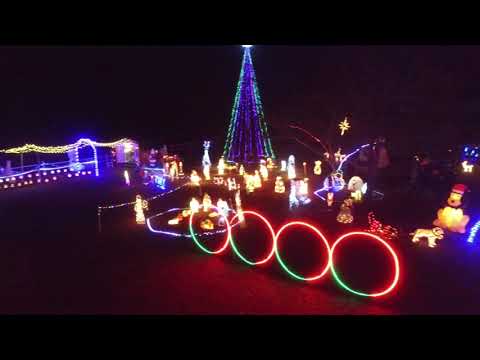
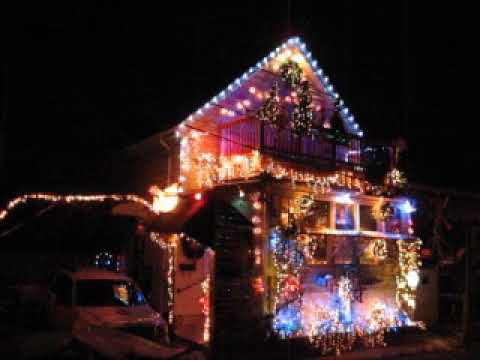
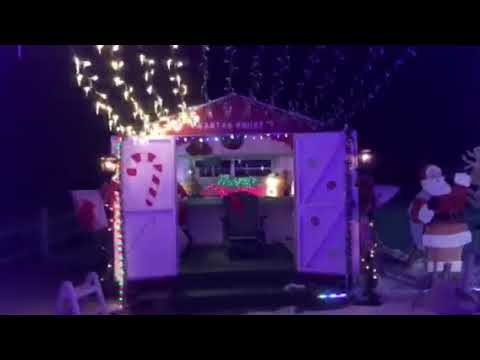
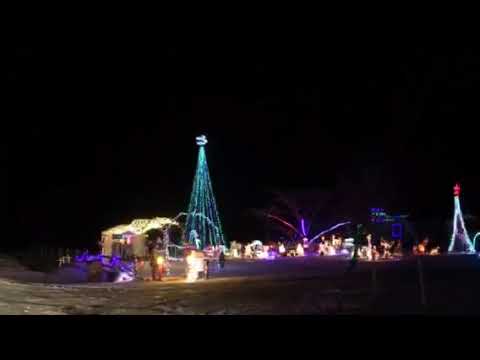
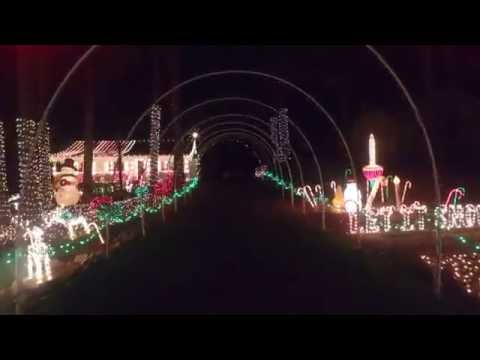
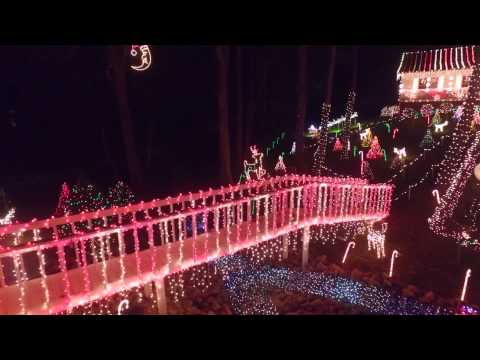
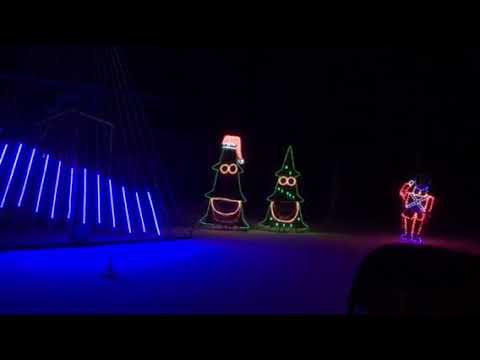
▶ This is about 40% of the lights Lake Linda's Christmas Lights · Hampstead, NC ▶ silent knight on Lights on light st ct Lights on Light St Ct · Templeton, Massachusetts ▶ Lights in the snow Lake Linda's Christmas Lights · Hampstead, NC ▶ Walking through in the snow! Lake Linda's Christmas Lights · Hampstead, NC ▶ More snow lights Lake Linda's Christmas Lights · Hampstead, NC ▶ One more short video Lake Linda's Christmas Lights · Hampstead, NC ▶ Valley Creek lights 2016 213 Valley Creek Drive · Clayton, NC ▶ Valley Creek Lights 2014 213 Valley Creek Drive · Clayton, NC ▶ Drone video of Valley Creek Lights 213 Valley Creek Drive · Clayton, NC ▶ Simmons Christmas Light Show 2017 Simmons Christmas Light Shows · West Memphis, AR
← PreviousPrevPage 28 of 921…272829…92Next →
Advertisement
Advertisement
Tacky Light Tour – Home of the Best Christmas Lights in the World The Best Christmas Light Displays in the World.
8735 Dunwoody Place Ste R
Atlanta, Georgia 30350
United States
Find lights Newest displays Most popular Displays that give By state Games
Browse by Feature Technology Awards Photos Videos
Decorators Add your display Build a map Shop Support Sign in
Search
© 2005–2026 Christmas Lights Near Me, LLC. · Privacy Policy · Terms Your Privacy Choices

We’ll ask for your location once. Nothing is saved.

Closest display

Directions See all nearby

, , or search by ZIP.

No displays within 30 miles of you yet. Try a ZIP code nearby:

Turn on location for this site

iPhone or iPad: Safari
  1. Open Settings > Privacy & Security > Location Services and turn it on.
  2. In that list, tap Safari Websites and choose While Using the App.
  3. Back here, tap aA in the address bar > Website Settings > Location > Allow.
Chrome
  1. Tap the icon left of the web address, then Permissions (or Site settings).
  2. Set Location to Allow.
  3. On iPhone, also allow it in Settings > Chrome > Location.
Brave
  1. Tap the icon left of the web address, then Site settings.
  2. Set Location to Allow.
  3. On iPhone, also allow it in Settings > Brave > Location.

Then come back and tap try again.

Tacky Light Tour appThe map, tonight's lit displays, directions. Free on Google Play.
Get the app